
The humble garage door opener has quietly become one of the smartest devices in the modern home. In 2026, a connected opener lets New Castle homeowners check, control, and monitor the door from anywhere — ending the universal worry of wondering whether the garage was left open. If you are considering the upgrade, this guide explains what smart openers do, which features matter, and how to choose one. When you are ready, professional garage door opener installation in New Castle, PA makes setup effortless.
Why Smart Openers Took Over in 2026
The Features That Matter
Comparing Smart Opener Tiers
Tier
| Connectivity
| Typical features
| Best for
|
Basic smart
| Wi-Fi app
| Open/close, status, alerts
| First-time smart upgrade
|
Mid-range
| Wi-Fi + keypad
| App, alerts, keyless entry
| Most New Castle homes
|
Premium
| Wi-Fi + camera
| Camera, lighting, voice control
| Full smart-home setups
|
The Security Upside
- Rolling-code technology changes the access code every use, defeating signal copying.
- Remote close means a door left open is never left open for long.
- Open-door alerts flag any unexpected activity in real time.
- Temporary or app-based access lets you grant entry without sharing a remote.
How a Smart Opener Gets Installed
- Confirm and correct the door’s balance before mounting the unit.
- Mount the motor head and attach the rail and trolley.
- Fit and align the safety sensors near the floor.
- Wire the unit and set the travel and force limits.
- Connect the opener to your Wi-Fi, then program the app, remotes, and keypad.
The installer will walk you through the app and demonstrate the features before leaving, so everything is working before they go.
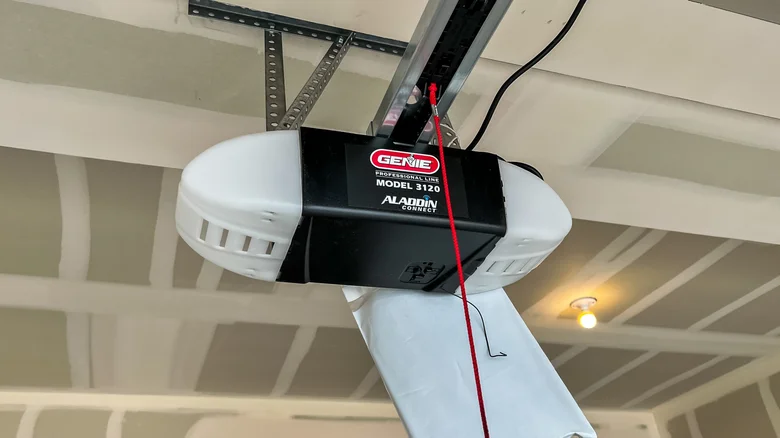
Battery Backup and New Castle Outages
Do You Need the Premium Model?
Premium openers with built-in cameras, lighting, and voice control are appealing, but not every home needs them. If you simply want to check and control the door remotely, a basic or mid-range Wi-Fi unit delivers the core experience at a lower price. The premium features earn their keep in a fuller smart-home setup, or for owners who want camera coverage of the garage. The right choice is the one that matches how you actually live, not the longest feature list on the box.
Can You Make an Old Opener Smart?
Smart Openers and Your Whole-Home System
Is Your Garage Door Giving You Trouble?
Choosing the Right Power and Drive
Maintaining a Smart Opener
- Lubricate rollers, hinges, and springs every six months.
- Keep the safety-sensor lenses clean and aligned.
- Replace the backup battery every few years so it is ready for outages.
- Keep the app and opener firmware updated for security and reliability.
Privacy and Reliability Considerations
Smart Openers for Renters and Landlords
If the Connection Drops: Troubleshooting Basics
The Long-Term Value of Going Smart
It is fair to ask whether the extra spend on a smart opener pays off, and for most New Castle homeowners it does. The convenience is daily and lasting, the security improvements are real, and the price gap over a basic unit has narrowed to a modest premium. Add the resale appeal of a connected, modern garage, and a smart opener tends to look less like a splurge and more like a sensible upgrade that earns its keep over a decade of use.
Everyday Conveniences You'll Notice
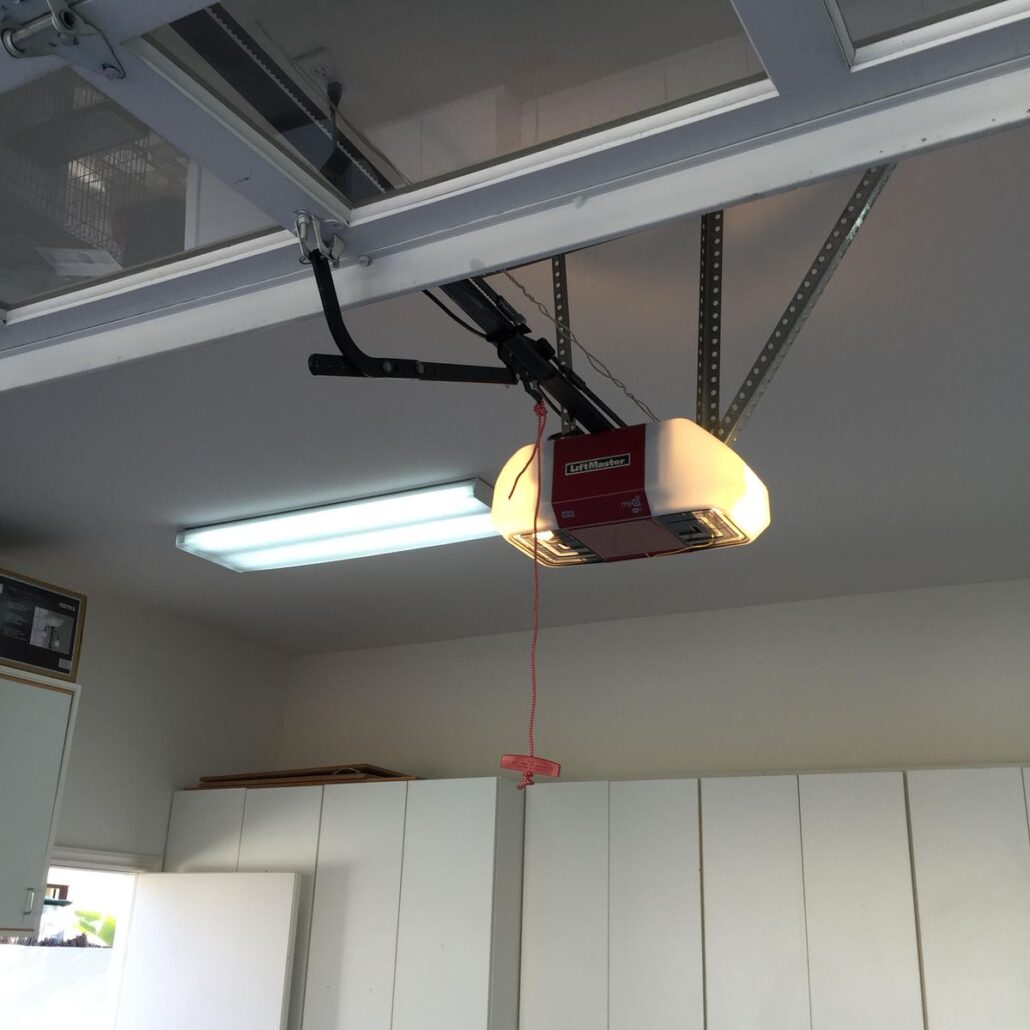
Voice Control and Hands-Free Operation
What to Look for When Buying
- A quiet belt or DC drive suited to an attached garage.
- Reliable app performance and regular firmware updates from a reputable brand.
- Built-in battery backup for New Castle’s winter outages.
- The specific features you’ll use — keypad, camera, voice — without paying for extras you won’t.
Reading the Warranty
Smart openers, like any, carry warranties that reward a careful read. Manufacturers often cover the motor for a long period but the belt, rail, and electronics for far less — and on a connected unit, the electronics are worth paying attention to. Separate the manufacturer’s parts warranty from the installer’s workmanship guarantee, which are two different protections. A quality local installer stands behind the labor as well as the hardware, giving you one place to turn if anything needs attention.
Choosing and Installing the Right Smart Opener
Service Information & Answers
Sometimes. Add-on Wi-Fi controllers can connect some older openers to an app, but a built-in smart opener is more reliable and secure, and is the better choice if your unit is already aging.
If the unit has battery backup — standard on most 2026 smart models — the door keeps working for a number of cycles, and many will still report status over a backup connection.
Modern units use rolling-code technology and encrypted app connections, making them more secure than older fixed-code remotes. The ability to confirm and close the door remotely actually closes a common security gap.
It is strongly recommended. Correct door balance, sensor alignment, force settings, and network setup all affect how well the unit performs, and professional installation comes with a workmanship warranty.
Yes. A well-designed unit operates normally from the wall button and remote even without Wi-Fi; only the app features pause until the connection returns.
Yes. A wireless keypad lets you share a code you can change, and many smart openers support temporary or app-based access you can grant and revoke remotely.
Many 2026 models integrate with popular voice assistants for hands-free status checks and, with a security confirmation, voice operation as part of a smart-home routine.